A Professional Designer’s Guide to Creating Print-Ready Packaging Boxes
— With Visual Examples & Designer Tips
Software Used in Packaging Box Design
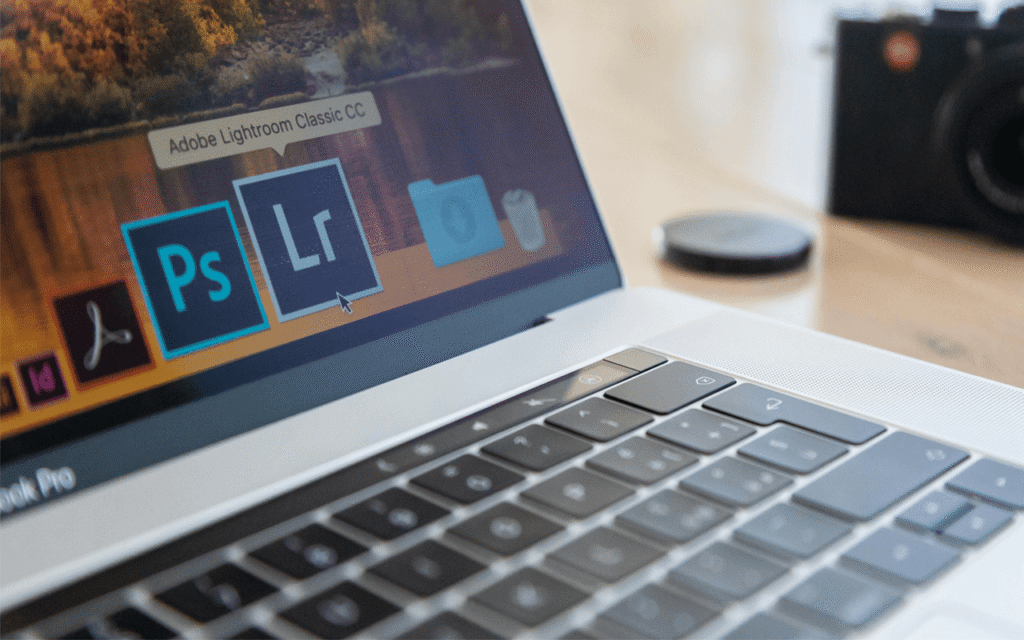
Adobe Illustrator — Main Tool for Box Artwork & Dielines
- Illustrator is the industry-standard software for creating accurate dielines and vector-based artwork.
- Perfect for dielines, typography, and logos
- Precise control of bleed, strokes, and measurements
- Supports CMYK, spot colors, and Pantone
Adobe Photoshop — Ideal for Product Images & Textures
- Photoshop is used for photo editing, color correction, and creating textures used in packaging design.
- Handles raster images
- Best for retouching product photos
- Useful for hero images or pattern backgrounds
Choosing the Correct Color Mode
What Is RGB?
- RGB = Red, Green, Blue
- For screens and digital displays
- Has a wider, brighter color range
- Not suitable for printing
What Is CMYK?
- CMYK = Cyan, Magenta, Yellow, Black
- All commercial printers use CMYK inks
- Predictable, stable print colors
Why Designers Must Use CMYK for Packaging Files
- Ensures printed colors match the artwork
- Avoids color shifting
- Required for all print-ready files
- Ensures accurate proof and color separation
Always convert to CMYK before designing.
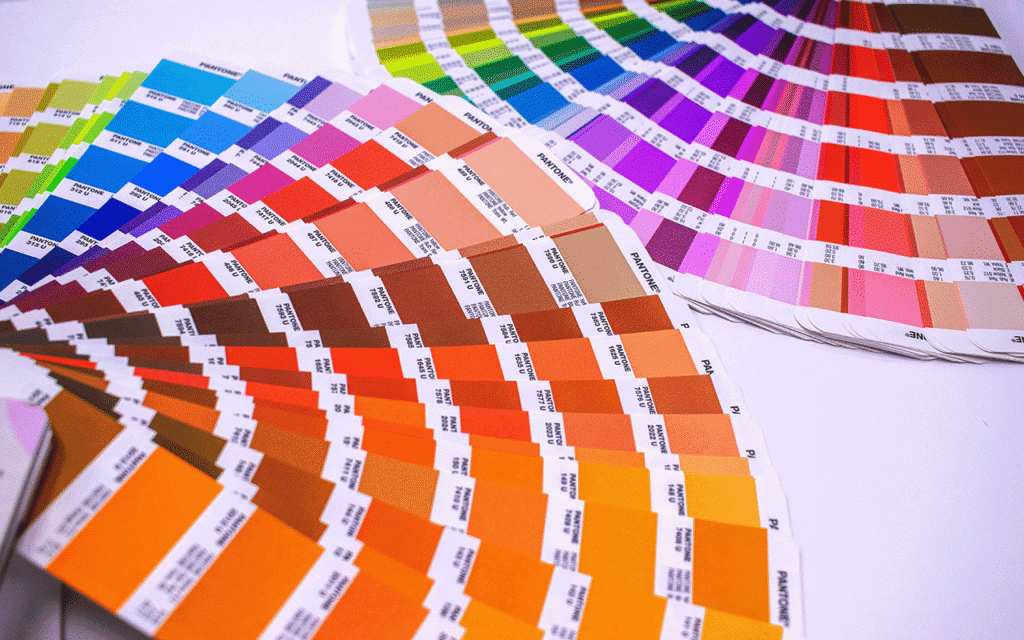

Avoid designing in RGB and converting later.
Use High-Resolution Images (Minimum 300 DPI)
Low-resolution images will become blurry when printed.
300 DPI = print quality
72 DPI = for screens only
High DPI ensures sharp details and professional results
Always Embed Images in Illustrator
If images are only “linked” and not embedded, they may disappear when exporting the final file.
Embedding ensures:
No missing images
No broken links
Consistent print output
Safe transfer to any printing factory
Convert All Text to Outlines
Before Handing Off Files
Why Outline Text?
Outlining text ensures the typography remains exactly as designed — even if the printer does not have the font.